Nursing homes and senior care facilities need badge printers that produce a durable staff photo ID fast, without shipping badges out to a print bureau or waiting days for a reissue after a lost card. This guide ranks the printer and supporting hardware that actually fit that job in 2026.
- Magicard 250X ID Card Printer is the best id badge printer for nursing homes needing on-site staff and visitor badges — Buy.
- Bodno A-Series Smart Card Encoder ($699.00) turns a badge into a door key for med rooms and records areas — Consider only if doors already use smart-card access.
- Magnetic stripe encoding ($499.00) replaces paper sign-in sheets with swipe-based time tracking — Consider for hourly staff.
- Buy the matching ribbon at the same time as the printer; running out mid-badging-day stalls the whole program.
Why this matters
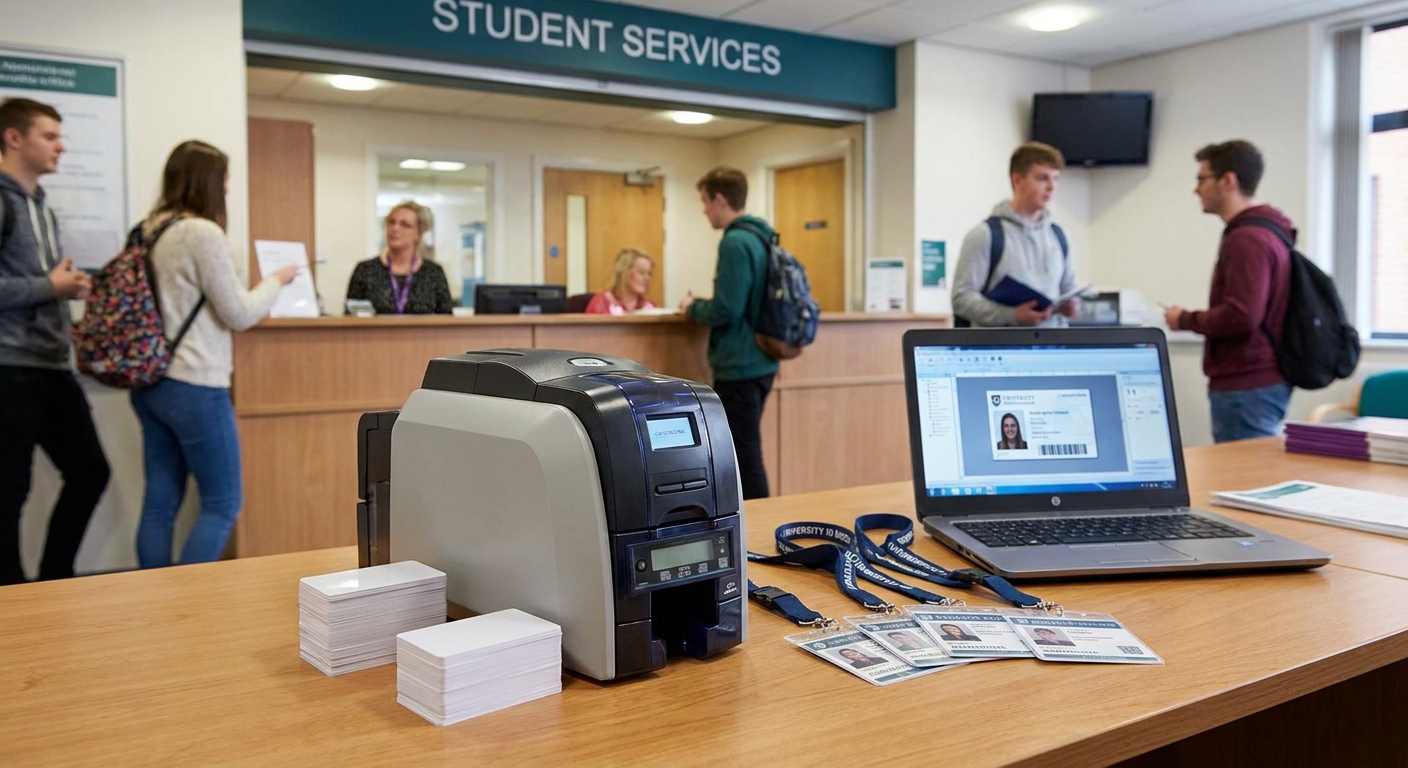
Staff turnover in senior care means badges get reissued constantly — new hires, lost cards, name changes after marriage, expired credentials tied to certifications. Sending that volume to an outside print bureau means days of delay and a per-card fee every time. An on-site ID card printer removes that dependency entirely: print a badge the moment someone walks in the door, reprint a damaged one in minutes, and stop paying a vendor for something a $1,349.00 desktop machine handles in-house.
Senior care also carries specific badge requirements general offices don't: visual ID for family members walking a memory-care wing, access control for medication and records rooms, and increasingly, swipe-based time tracking to document staffing ratios for state inspectors. The picks below cover all three.
How we ranked
Each pick below is judged on three things that matter specifically for nursing homes and senior care: whether it prints a durable, professional-looking badge without a learning curve, whether it scales to add access control or time-tracking later without buying a second system, and what it actually costs installed and running in 2026. Pricing reflects 2026 list pricing on the products themselves. Ribbon and consumable picks are matched to the printer they're built for — a mismatched ribbon is the single most common reason a badge program stalls after week one. Verdicts are Buy, Consider, Hold, or Skip, and every pick is judged against the specific demands of a care facility, not a generic office.
The ranked list
1. Magicard 250X ID Card Printer — the printer to build the program around
The safe pick. This is a compact, single-sided desktop ID badge printer priced at $1,349.00 in 2026, built for exactly the volume a mid-sized senior care facility runs: new-hire badges, visitor passes, and reissues as they happen, not in batches.
It sits on a front-desk or HR-office counter and outputs a finished photo ID in under a minute per card. For a nursing home paying a print bureau per badge and waiting days for a reorder, that math changes fast — the printer pays for itself against outsourced badge fees within the first wave of new hires.
Buy — this is the printer, not an accessory, and it's the anchor for every other pick on this list.
2. Magicard CN100 Color Ribbon — the ribbon built for the 250X, not a generic substitute
The supply that keeps pick #1 running. The Magicard CN100 is a YMCKO ribbon engineered specifically for the Magicard 250X printer, priced at $64.99, and it includes the overcoat panel that resists scuffing from being clipped, swiped, and handled all shift long.
Buying the wrong ribbon — or waiting until the printer flashes a low-ribbon warning to order — is the top reason badge programs go dark mid-rollout. Order the matching ribbon with the printer, not after.
Buy alongside the 250X. Don't wait for the warning light.
3. Bodno A-Series Smart Card Encoder (OmniKey 5127CK) — for facilities with secure or medication storage areas
The compliance add-on. At $699.00, this module runs on the OmniKey 5127CK platform and encodes contact and contactless smart cards — meaning the same badge a staff member wears also opens the med room or records area door.
If a facility already runs smart-card door locks, printing visual-only badges means managing two separate credential systems — one for the photo ID, one for the door fob. Combining them into a single badge cuts issuance time and removes a duplicate card from every employee's lanyard.
Consider if doors already use smart-card access control. Skip if badges are strictly visual ID with no door integration.
4. Bodno A-Series Magnetic Stripe Encoder Module — for staff time and attendance tracking
The payroll shortcut. Priced at $499.00, this module adds magstripe encoding to an A-Series printer, so the same badge that gets someone through the door in the morning also clocks them in.
Senior care staffing ratios get audited. A swipe log tied to a badge beats a paper sign-in sheet when a state inspector asks for shift documentation, and it removes the manual step of transcribing handwritten time sheets into payroll software.
Consider for facilities running hourly staff on shift schedules. Skip for small offices on salaried staff only.
5. Bodno A-Series Replacement Printhead (300 dpi) — the fix, not a new purchase
A $599.00 replacement printhead restores original 300 dpi print quality when the existing head wears out or gets damaged. This isn't a pick to add to a new setup — it's the part to know exists before print quality degrades and someone assumes the whole printer needs replacing.
Hold — buy only when print quality visibly drops, never preemptively.
6. Bodno A-Series Output Hopper — the batch-day accessory
At $59.99, this external card catcher holds printed cards neatly during a run. It matters once a year, on the day a facility badges an entire new cohort at once, and does nothing for a facility issuing one or two badges a week.
Skip for low-volume badging. Buy ahead of an annual mass-reissue day.


Comparison table
| Pick | Price (2026) | Best for | Verdict |
|---|---|---|---|
| Magicard 250X ID Card Printer | $1,349.00 | The core badge printer for any facility | Buy |
| Magicard CN100 Color Ribbon | $64.99 | Matched supply for the 250X | Buy |
| Bodno A-Series Smart Card Encoder | $699.00 | Facilities with smart-card door access | Consider |
| Bodno A-Series Magnetic Stripe Encoder | $499.00 | Hourly staff time and attendance | Consider |
| Bodno A-Series Replacement Printhead | $599.00 | Restoring print quality on an aging unit | Hold |
| Bodno A-Series Output Hopper | $59.99 | Annual mass-badging days | Skip / Buy seasonally |
Where to buy
- Buy the printer and its matching ribbon in the same order — a printer sitting idle waiting on a ribbon shipment defeats the entire point of printing on-site.
- Only add smart card or magstripe encoding if the facility's door hardware or time-tracking system can actually use it; the encoder is dead weight without an integration behind it.
- Keep one spare consumable — a ribbon or, longer-term, a printhead — on a shelf rather than ordering reactively; nursing homes can't pause badge issuance while supplies ship.
FAQ
What's the best id badge printer for nursing homes in 2026?
The Magicard 250X ID Card Printer is the best id badge printer for nursing homes in 2026 for facilities issuing staff and visitor badges on-site. It's a single-sided desktop unit priced at $1,349.00 built for on-demand, low-volume badge runs.
Do senior care facilities need a dual-sided printer?
Most don't. A single-sided printer like the Magicard 250X covers a photo, name, and title on one side, which is all a staff or visitor badge needs; dual-sided printing mainly matters for cards carrying encoded data on the back.
How much does an ID badge printer cost for a nursing home?
A single-sided desktop printer like the Magicard 250X runs $1,349.00 in 2026, plus a matched ribbon around $64.99 per roll. Add-on encoders for access control or time tracking run $499.00 to $699.00 each.
Can badge printers also handle access control for secure areas?
Yes, with an encoder module. The Bodno A-Series Smart Card Encoder ($699.00) adds contact/contactless smart card encoding so the same badge that shows a photo ID also opens a med room or records door.
Is a magnetic stripe encoder necessary for staff time tracking?
It's optional but useful. The Bodno A-Series Magnetic Stripe Encoder Module ($499.00) lets a badge double as a time clock swipe card, which replaces manual sign-in sheets for hourly staff.
How often do ID card printer ribbons need replacing?
It depends on badge volume, not a fixed schedule — a facility issuing a handful of badges a week goes through ribbon far slower than one running annual mass-reissue days. Keep a spare ribbon on hand rather than waiting for the low-ribbon warning.
What's the difference between direct-to-card and retransfer printing for healthcare IDs?
Direct-to-card printers, like the Magicard 250X, print directly onto the card surface and cost less per unit; retransfer printers print onto a film first, which gives sharper edges but at a higher cost per card. Most nursing home badge programs don't need retransfer quality.
How long does an ID card printer last in a nursing home environment?
Printheads are the wear part, not the printer chassis. A worn printhead can be replaced on its own — the Bodno A-Series Replacement Printhead runs $599.00 — rather than replacing the entire unit.
One last thing
The fact that a $599.00 replacement printhead exists as a standalone part says more about badge printer economics than any spec sheet: these machines are built to be repaired, not replaced, which is exactly the math a nursing home running badges for years wants. Buy the printer and matching ribbon now, and treat the printhead, encoders, and hopper as add-ons you reach for only when the job in front of you actually needs them.