Government agencies buy badges differently than a retail chain or a private clinic — procurement cycles are slower, security requirements are stricter, and one printer often has to serve multiple departments for years without a refresh budget. This guide breaks down what actually matters when you're picking an id card printer for government agencies in 2026, not what a generic buyer's guide tells you.
- The Magicard 250X ID Card Printer ($1,349.00) is the safe pick for single-department badge issuance in 2026 — Buy.
- Smart card and mag stripe encoding modules matter more than print speed for any agency tied to access control — budget $499-$699 per module.
- Skip consumer photo-ID printers for government work; they can't add encoding later and void warranty coverage fast.
- Multi-site agencies should standardize on one ribbon and encoder platform to avoid mismatched supply chains across offices.
Why this matters
A badge printer bought for a county clerk's office or a state agency lobby isn't a one-off purchase — it's infrastructure that has to survive a hardware refresh cycle measured in years, not quarters. Get the encoding wrong and you're back out to bid before the printer is paid off. Get the durability wrong and IT is fielding jammed-ribbon tickets every week during peak issuance months.
Bodno's ID card printers catalog is organized by exactly this kind of use case because government buyers, school administrators, and healthcare facilities all ask different questions of the same hardware category. The rest of this guide narrows that down to what a government procurement officer or facilities manager should actually check before signing a purchase order.
Who this is for
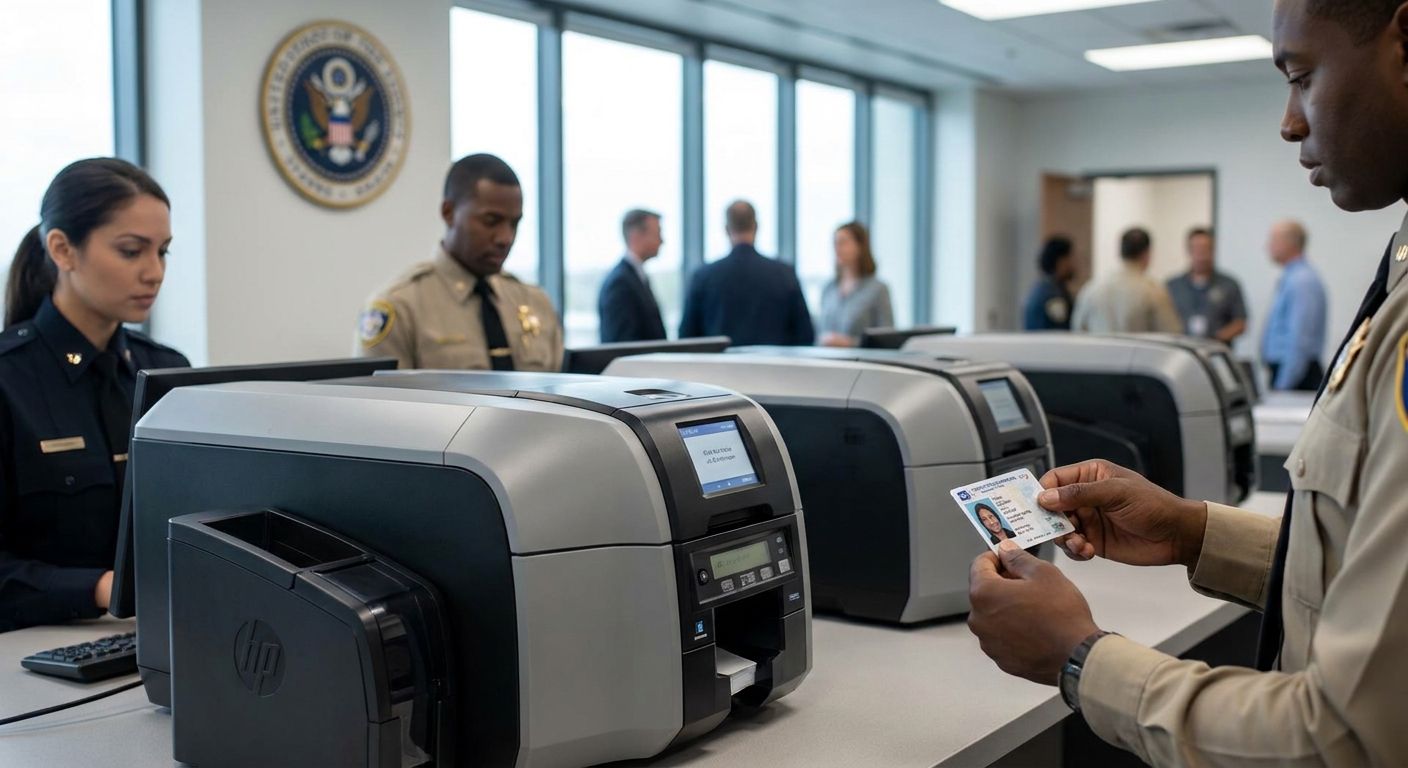
This guide is for procurement officers, facilities managers, and IT administrators at municipal, county, state, or federal offices who need to issue employee badges, visitor passes, or access-controlled credentials on-site — not outsource them to a bureau. If your agency runs its own badge desk and needs printers that hold up under batch issuance during onboarding waves or public-facing ID renewal periods, this is written for you.
What to look for in an ID card printer for government agencies
Encoding compatibility for access control
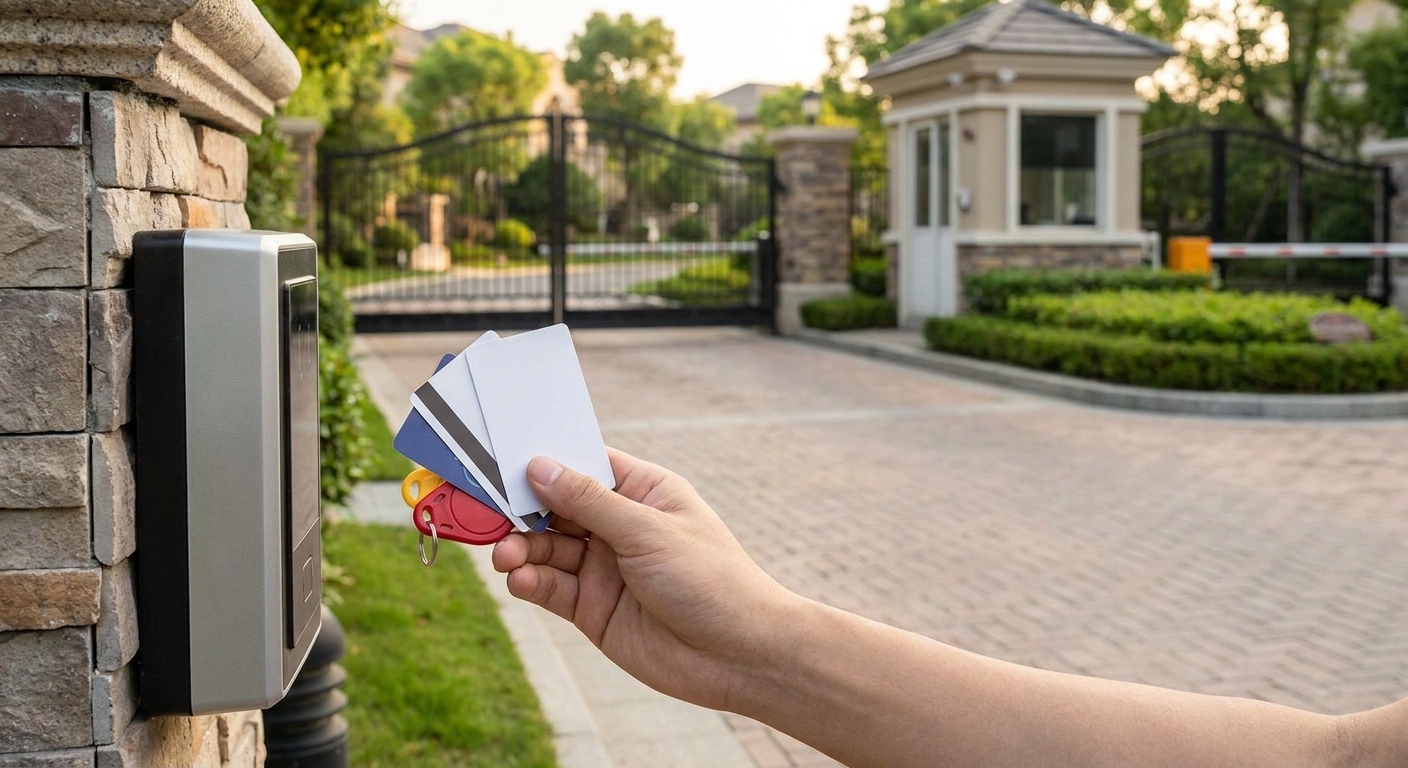
Most government facilities pair ID badges with a door access system, which means the printer needs to write to smart cards, magnetic stripes, or proximity credentials — not just print a photo. A printer that can't add an encoding module later locks you into a hardware swap the moment a security upgrade comes down from facilities. If your agency also manages building entry, the proximity cards for office access control breakdown covers how encoding and door hardware need to match.
Print durability across batch issuance
Government badge desks don't print one card at a time — they run batches during new-hire onboarding, contractor rotations, or annual ID renewals. A printer rated for casual office use will jam or overheat under that load. Look for printers with a rated duty cycle that matches your busiest month, not your average month.
Single-sided vs. dual-sided printing
Most government employee badges only need a photo, name, and department on one side, but agencies issuing access-controlled or multi-facility credentials often print a barcode or magstripe reference on the back. Buying dual-sided capability you don't need adds cost; buying single-sided when you need dual means a second purchase order within a year.
Total cost per card over time
The printer purchase price is the smallest number in the budget. Ribbon cost per card, film cost for retransfer printers, and encoder module pricing (typically $499.00 to $699.00 per module in 2026) add up fast across a multi-year deployment. Ask any vendor for cost-per-card before comparing sticker prices.
Vendor support and warranty terms
Government IT tickets move through change-control processes, so a printer vendor that answers support calls quickly and stocks compatible ribbons matters more here than in a small office. A printer with no clear warranty path or discontinued ribbon supply becomes a liability the moment it breaks mid-fiscal-year.
Upgrade path for future security requirements
Security mandates change — an agency printing simple photo IDs in 2026 may need smart card credentials in 2028. Pick a printer platform with encoder modules that bolt on rather than one that forces a full replacement.
Top picks for government agencies
The safe pick: Magicard 250X ID Card Printer
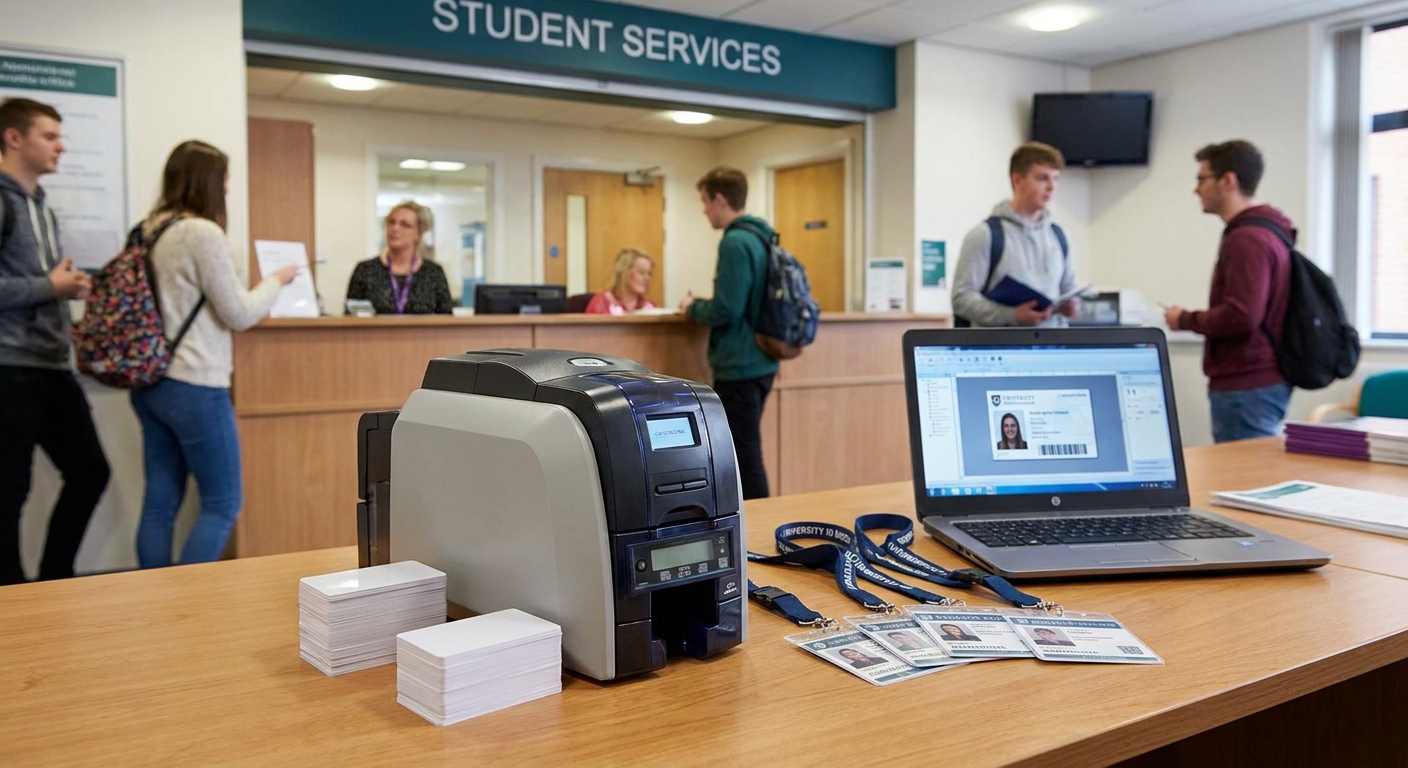
The Magicard 250X ID Card Printer ($1,349.00) is a single-sided desktop printer built for on-demand badge production without per-badge bureau fees. It covers the most common government use case — employee photo IDs printed in-house — and the compact footprint fits a badge desk without dedicating a back room to it. Verdict: Buy for any agency printing standard employee or visitor badges on-site.
The access-control upgrade: Smart Card Encoder Module
The Bodno A-Series Smart Card Encoder (OmniKey 5127CK) ($699.00) adds contact and contactless smart card encoding to an A-Series printer, which matters for agencies tying badges to secure door access or advanced credentialing. This is the module to add before a security audit forces the issue, not after. Verdict: Buy if your agency runs or plans to run smart-card-based access control.
The legacy-system fix: Magnetic Stripe Encoder Module
The Bodno A-Series Magnetic Stripe Encoder Module ($499.00) handles agencies still running magstripe-based access, time-and-attendance, or payment systems that haven't migrated to smart card. It's the cheaper encoding path when your existing door hardware already reads magstripe. Verdict: Consider for agencies not ready to replace existing card readers.
The batch-day fix: Output Hopper
The Bodno A-Series Output Hopper ($59.99) is a small accessory but a real one for busy badge desks — it catches printed cards in a stack instead of letting them pile up loose during a 200-card onboarding run. Verdict: Consider for any office issuing badges in batches rather than one at a time.


“If a badge program touches physical access control, encoding capability decides the printer — not print speed.”
What to avoid
- Consumer photo-ID printers with no encoder slots. They print fine for a year and then can't be upgraded when access control requirements change — you're buying a second printer instead of a module.
- Off-brand or unverified ribbons. Non-genuine ribbon stock is the most common cause of print-quality complaints and can void printer warranty coverage on a printer your agency depends on daily.
- Printers with no clear support channel. A government IT ticket for a jammed printer during badge season needs a vendor that answers, not a marketplace listing with no support line.
Verdict comparison
| Product | Price | Best for | Encoding | Verdict |
|---|---|---|---|---|
| Magicard 250X ID Card Printer | $1,349.00 | Standard employee/visitor badges | Add-on capable | Buy |
| Smart Card Encoder (OmniKey 5127CK) | $699.00 | Access-control credentials | Contact/contactless smart card | Buy |
| Magnetic Stripe Encoder Module | $499.00 | Legacy magstripe systems | Magstripe | Consider |
| A-Series Output Hopper | $59.99 | High-volume batch issuance | N/A | Consider |
FAQ
What's the best id card printer for government agencies in 2026?
For single-department badge issuance, the Magicard 250X ID Card Printer at $1,349.00 covers standard employee and visitor ID needs. Agencies tying badges to access control should add a smart card or mag stripe encoder module on top of the base printer.
Do government ID printers need smart card encoding?
Only if the badge controls physical access, time and attendance, or a secure credential system. A smart card encoder module runs $699.00 and adds contact/contactless encoding to a compatible printer platform.
How much does a government-grade ID card printer cost?
A single-sided desktop printer like the Magicard 250X starts at $1,349.00 in 2026, with encoder modules adding $499.00 to $699.00 depending on whether you need mag stripe or smart card capability.
Is dual-sided printing necessary for government badges?
Most standard employee badges only need one side for photo and name, so dual-sided printing is only worth the added cost if you're printing a barcode, magstripe reference, or second-language text on the back.
Can a government agency add access control later to an existing badge printer?
Yes, if the printer platform supports encoder modules. That's why checking for upgrade capability before purchase matters more than checking the printer's current spec sheet.
What ribbon issues affect government badge printers most?
Off-brand or expired ribbon stock is the leading cause of faded or streaky print quality on high-volume badge desks, and using non-genuine ribbon can void the printer's warranty coverage.
How many badges can a government office print per day with one printer?
Duty cycle varies by printer, but agencies running batch issuance during onboarding waves should size for their busiest month, not their daily average, to avoid overheating jams.
Should small government offices buy the same printer as large agencies?
Not necessarily. Smaller departments with lower badge volume may be better served by the printers covered in the small business buying guide rather than a high-throughput model built for large-scale issuance.
One last thing
The cheapest mistake to avoid in 2026 isn't the printer purchase — it's buying a platform with no encoder upgrade path and discovering that fact only after a security audit demands smart card credentials. Check the encoder module list before the printer spec sheet.