Universities and colleges issue student, faculty, and staff badges by the thousand every academic year, and the printer sitting in the registrar's office decides whether orientation week runs smooth or turns into a ribbon-jam bottleneck. This guide breaks down what actually matters when shopping for an id badge printer for universities in 2026, plus which specific Bodno printers and encoders are worth the line item.
- Magicard 250X prints single-sided student and staff cards for $1,349 in 2026 — Buy for mid-size registrar offices.
- Bodno A-Series Smart Card Encoder (OmniKey 5127CK) adds contactless dorm and building access encoding for $699 — Buy if campus doors already use smart card readers.
- Bodno A-Series Magnetic Stripe Encoder Module handles dining and library systems for $499 — Consider if your campus still runs magstripe.
- Skip consumer photo-badge kiosks for orientation week; they aren't built for 500+ card runs in a five-day window.
- Ribbon math matters more than the printer price tag — a 500-print roll runs $64.99 to $299 depending on the model.
Why this matters
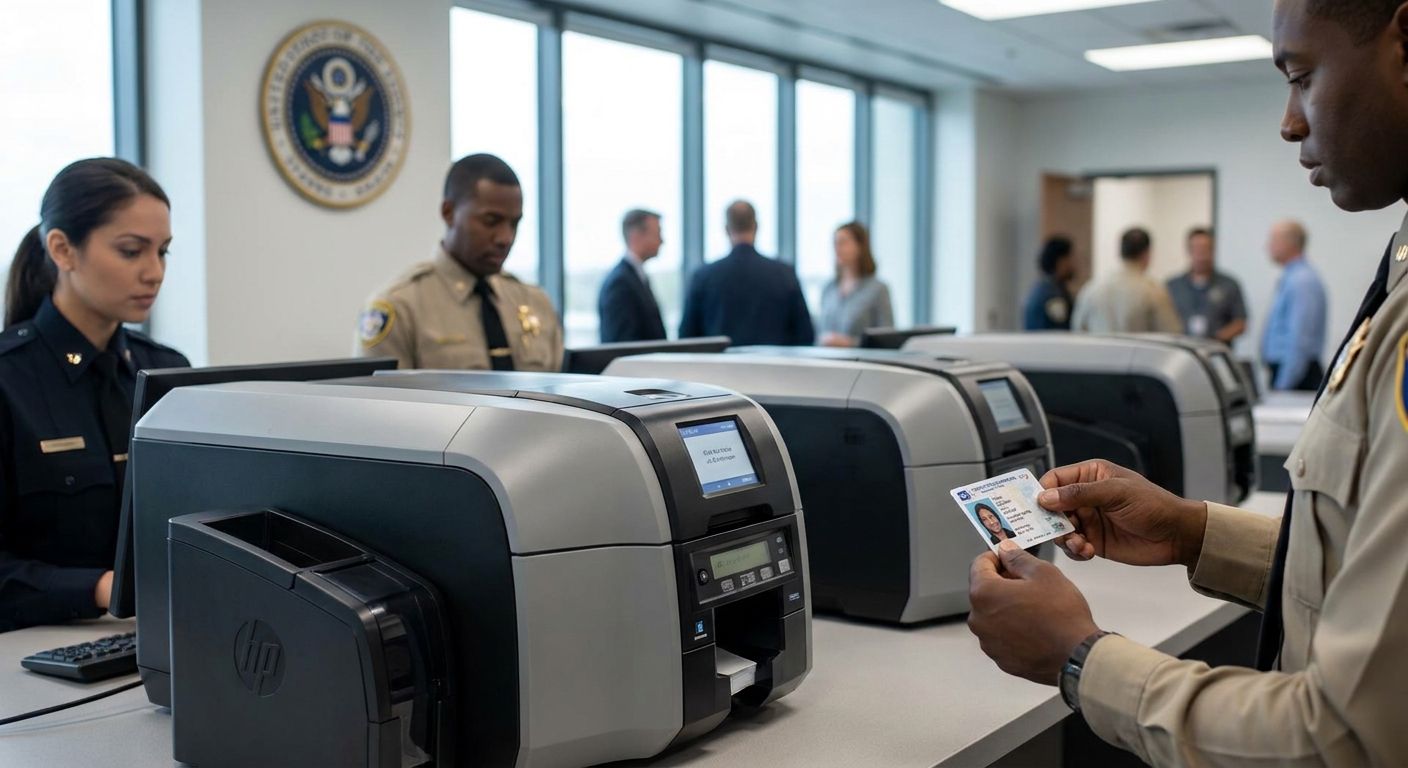
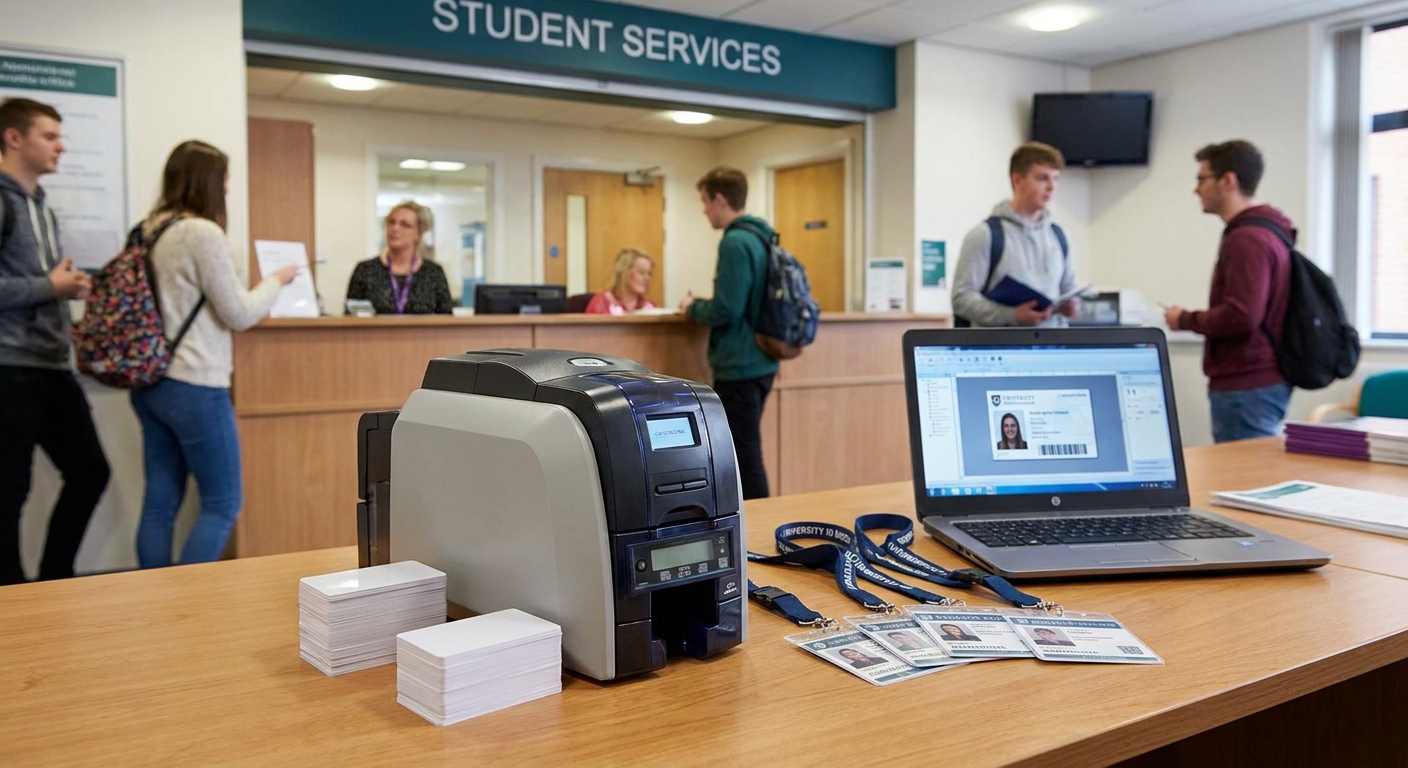
A university card office isn't printing one badge at a time. Orientation week alone can mean 800 to 2,000 new student IDs printed inside a five-day window, on top of faculty badges, contractor credentials, and lost-card reprints that come in year-round. Pick the wrong id badge printer for universities and the bottleneck hits at the exact moment the line is longest. Bodno's full printer lineup runs from compact single-sided desktop units to encoding-ready systems built for campus access control, but not every model fits a university's print volume or card complexity.
The difference between a printer that survives four years of registrar traffic and one that jams by October usually comes down to duty cycle, encoding compatibility, and consumable cost — not the sticker price.
Who this is for
This guide is written for campus card office managers, registrar staff, and campus IT or security teams responsible for issuing student, faculty, and staff ID badges. If you're the person who orders the printer that has to survive orientation week, talk to the existing access control system, and get a replacement faculty badge out same-day, this is your buying guide. K-12 buildings run different volume and budget math entirely — check the K-12 school ID printer guide if that's your actual use case.
What to look for in an id badge printer for universities
Daily print volume and duty cycle
A university printer isn't rated the same way a small office printer is. Orientation week can push a single unit through several hundred cards in a matter of days, and the printer needs a duty cycle that tolerates that spike without overheating or jamming mid-run. Ask what the printhead and mechanism are rated for per month, not just per card — that's the number that predicts whether the machine survives four academic years.
Single-sided vs. dual-sided printing
Most student IDs only need one printed side with photo, name, and ID number, but faculty and staff badges often carry a second side with department, building access icons, or a magstripe. Buying dual-sided capability you don't use wastes budget; buying single-sided and needing dual-sided later means a second purchase. Match the printer to what the badge actually needs to hold.
Encoding for campus access, dining, and library systems
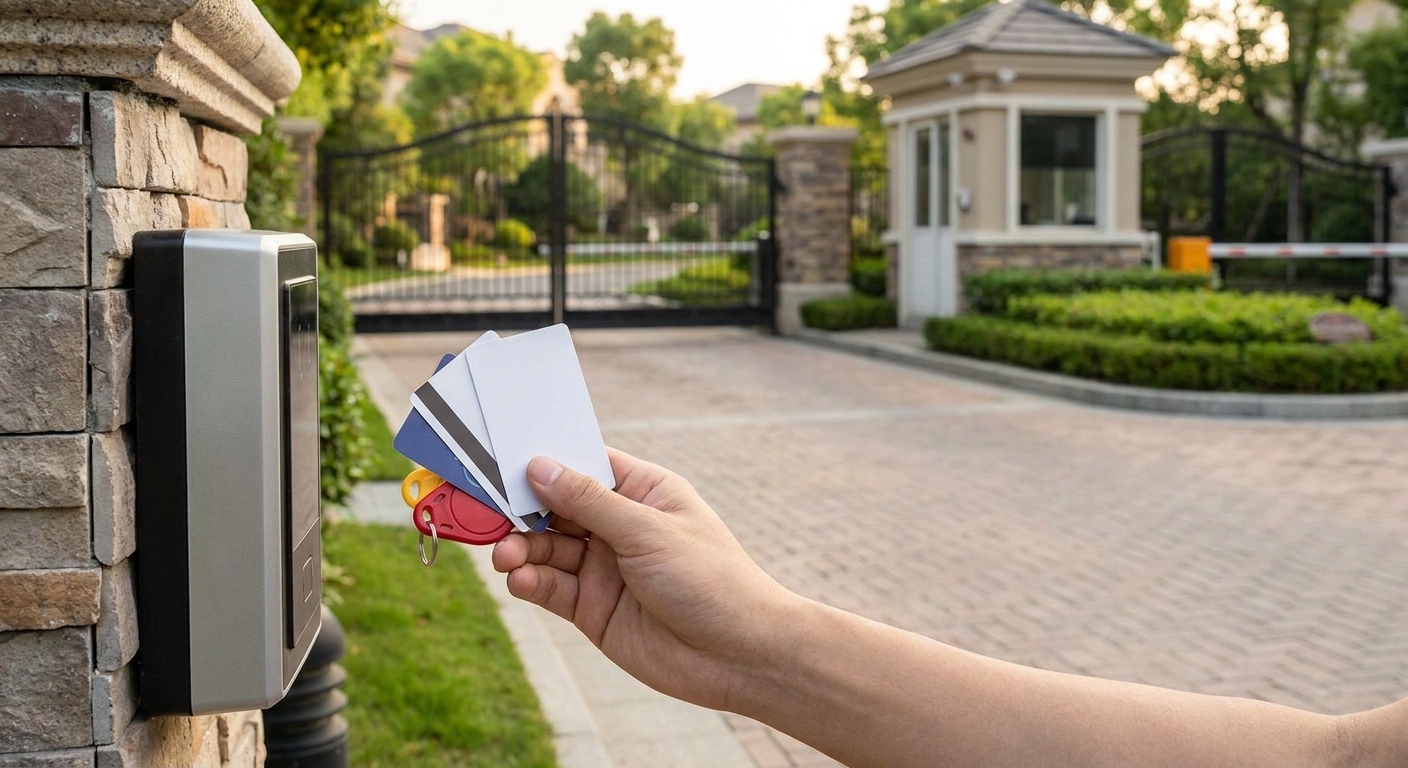
Campus badges rarely stop at a photo. They open dorm doors, swipe for dining hall meal plans, and check out library books, which means the printer needs an encoding module that matches whatever access system is already installed. If your campus doors already run on proximity access cards, the printer needs a compatible encoding option, not a bolt-on that gets added later at extra cost.
Consumable cost per card at scale
The printer price tag is a one-time number. Ribbon and film costs recur every semester, and at university volume, that's where the real 2026 budget line lives. A 500-print YMCKO ribbon roll runs $64.99 to $299 depending on the printer model, so a campus issuing 3,000 cards a year is buying six or more rolls annually — factor that into the total cost before comparing printer prices alone.
Software and batch printing support
Registrar offices import student rosters from a student information system, not a spreadsheet typed by hand. The printer's design software needs to support batch printing from an imported list, so orientation week is a print job, not 800 individual manual entries.
Top picks for university and college card offices
The workhorse pick — Magicard 250X ID Card Printer. At $1,349.00, the Magicard 250X gives a mid-size registrar office single-sided printing on demand instead of paying per-badge to an outside vendor and waiting days for a reprint. It's the right fit for a campus issuing student IDs and standard staff badges without a heavy dual-sided requirement. Verdict: Buy for registrar offices printing a few hundred to low thousands of cards per semester.
The access-control add-on — Bodno A-Series Smart Card Encoder (OmniKey 5127CK). Priced at $699.00, this module handles contact and contactless smart card encoding on the OmniKey 5127CK platform, which is what most campus door and building access systems expect. If your dorms and academic buildings already use smart card readers, this is the piece that turns a plain printed badge into a working access credential. Verdict: Buy if campus doors run smart card or NFC readers.
The legacy-systems pick — Bodno A-Series Magnetic Stripe Encoder Module. At $499.00, this module adds magstripe encoding for access control, time and attendance, or dining and library systems still running on magnetic stripe. Plenty of campuses haven't migrated off magstripe for meal plans yet, so this stays relevant. Verdict: Consider if your dining hall or library system still reads magstripe cards.
The consumable to budget for — Magicard CN100 Color Ribbon. At $64.99, this is the matched ribbon for the Magicard 250X, delivering the color output professional ID cards need. Order this alongside the printer, not after the first roll runs out mid-print-run during week one of the semester. Verdict: Buy as a standing reorder item, not an afterthought.


“If the printer can't survive orientation week, it can't survive a university.”
What to avoid
- Consumer photo-booth kiosks marketed as ID printers. They look like ID card printers in photos but lack encoding options and duty cycles built for hundreds of cards in a five-day window.
- Printers with no upgrade path to dual-sided or encoding. A single-sided-only unit with no add-on slot forces a full replacement the moment a department needs magstripe or smart card encoding.
- Bundles that lock you into one ribbon supplier at retail pricing. At university print volume, ribbon cost per card compounds fast — check ribbon pricing before committing to a printer, not after.
Verdict comparison
| Product | Best for | Price | Verdict |
|---|---|---|---|
| Magicard 250X ID Card Printer | Registrar offices, standard student/staff badges | $1,349.00 | Buy |
| Bodno A-Series Smart Card Encoder (OmniKey 5127CK) | Campuses with smart card door access | $699.00 | Buy |
| Bodno A-Series Magnetic Stripe Encoder Module | Dining halls and libraries still on magstripe | $499.00 | Consider |
| Magicard CN100 Color Ribbon | Standing consumable reorder | $64.99 | Buy |
FAQ
What's the best id badge printer for universities in 2026?
The Magicard 250X is the best fit for most registrar offices in 2026 at $1,349.00, handling single-sided student and staff badges on demand. Campuses needing dual-sided printing or encoding should add the matching Bodno encoder modules.
Do university ID printers need dual-sided printing?
Only if the badge carries information on both sides, such as department details, access icons, or a magstripe. Most standard student IDs print fine single-sided, which keeps printer and consumable costs lower.
How much does an id badge printer for universities cost in 2026?
A single-sided printer like the Magicard 250X runs $1,349.00, with encoding modules adding $499.00 to $699.00 depending on whether the campus needs magstripe or smart card encoding. Ribbon consumables add $64.99 to $299 per roll depending on print volume.
Is smart card encoding necessary for campus ID badges?
It's necessary if dorm doors, academic buildings, or labs already use smart card or NFC readers for access control. Campuses still on magstripe systems for dining or library access don't need it yet, but new construction typically moves toward smart card access.
How many badges can a university printer handle per semester?
A printer rated for university use should handle several hundred to a few thousand cards per semester without duty-cycle issues. Orientation week alone can push 800 to 2,000 cards through in five days, so check the printer's monthly duty rating before buying.
What's the difference between magstripe and smart card encoding for campus IDs?
Magstripe encoding works with older dining, library, and access systems that read a magnetic stripe, while smart card encoding uses contact or contactless chips for more secure building access. Many campuses run both during a transition period, which means the printer needs an encoder module matched to each system.
Can one printer handle both student IDs and faculty access badges?
Yes, as long as the printer supports the encoding type both badge classes need. A single Magicard 250X with an added Bodno smart card or magstripe encoder module can print both card types from one machine.
One last thing
The most overlooked line item in a university printer purchase isn't the printer — it's the ribbon math. A 500-print YMCKO roll covers roughly one orientation week for a mid-size campus or close to a full semester for a smaller program, so order the next roll before the current one runs out mid-line, not after. Printer downtime during badge week is a staffing problem; running out of ribbon is a purchasing problem you can solve in 2026 with one extra order at setup.